AdMob Earnings in Pakistan and India: Real Numbers From a Live Video Chat App
How much AdMob really pays when your users are in Pakistan, India and Bangladesh: about $300 a month from 300 to 400 daily users of a live video chat app, with interstitial ads only. How to estimate your own app, place interstitials safely, and get paid.
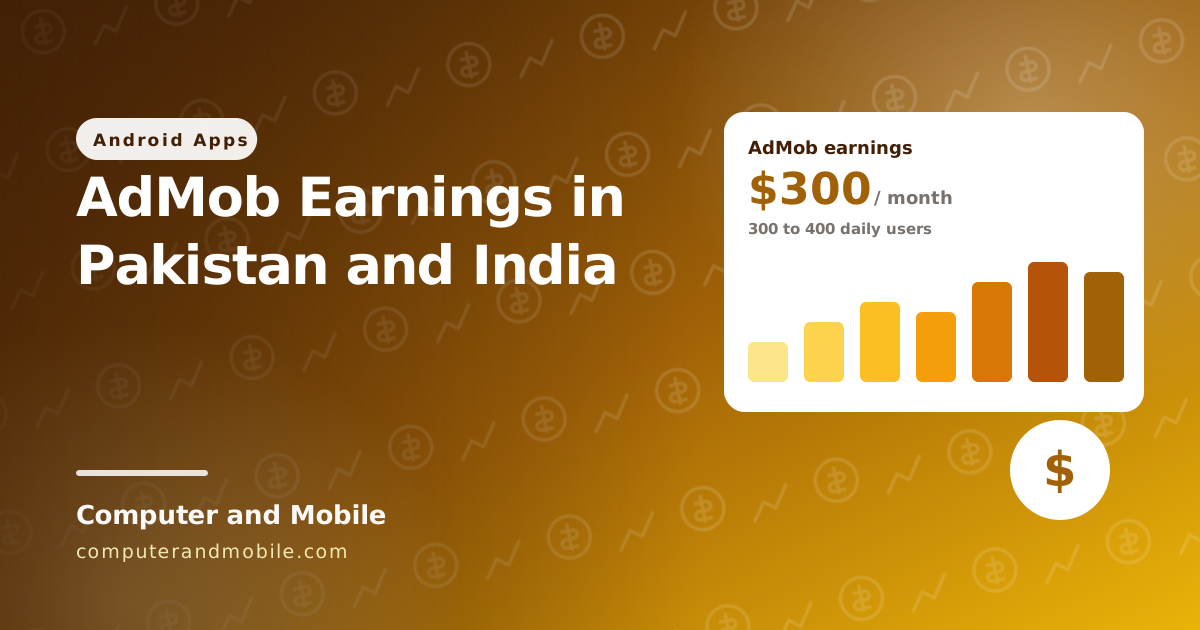
“How much does AdMob pay?” is usually answered with a number per 1,000 ad views that tells you nothing about your own app. So here is a real answer, from one of our own apps on Google Play: a live video chat app whose users are mostly in Pakistan, India and Bangladesh.
With 300 to 400 people using the app each day and only interstitial ads, it earns about $300 a month. Below is what that means per user, how to estimate your own app, how we place the interstitials, and how to get the money into a bank account in Pakistan or India.
Our numbers
| Live video chat app | |
|---|---|
| Category | Chat and dating |
| Users from | Mostly Pakistan, India and Bangladesh |
| People using the app each day | 300 to 400 |
| Of those, new installs | About 70% (normal for chat and dating apps) |
| Ad formats | Interstitial only |
| AdMob earnings | About $300 a month |
What that means per user
$300 a month is about $10 a day. Spread over 300 to 400 daily users, that is roughly 3 cents per user per day, or about $0.75 to $1 per daily user per month. That per-user figure is the useful one, because you can multiply it by your own users:
monthly earnings  ≈  daily users  ×  earnings per user per day  ×  30

our app:   350 daily users  ×  $0.03  ×  30   ≈  $300 a month
Estimate your own app
If your users are from the same countries and you use interstitials in a similar way, earnings scale roughly like this:
| Daily users | Rough monthly earnings |
|---|---|
| 100 | $75 to $100 |
| 350 (our app) | about $300 |
| 1,000 | $750 to $1,000 |
| 5,000 | $3,750 to $5,000 |
Treat these as a guide, not a promise. The rate per user changes with the things in the next section, and it is different for every app.
What makes the number go up or down
- Where your users are. Advertisers pay much more for users in the US, the UK and Europe than in South Asia. The same app with the same number of users earns several times more there.
- How long people use the app. Chat and dating apps have long sessions with many natural breaks (a call ends, a chat is closed), so there are more good moments for an interstitial than in a quick tool app.
- New installs. In our app about 70% of each day's users are new. Earnings follow installs: if installs stop, earnings fall within days. Keep the app ranking with a good store listing, regular updates and good reviews.
- How often ads show. More ads per session earn more until users start uninstalling. One interstitial a minute at most, only at natural breaks, has worked for us.
- The time of year. Advertisers spend more near the end of the year and less in January.
- Clean traffic. Fake installs and accidental clicks get ad serving limited, and then earnings drop to almost nothing.
How we show interstitials
Our rule is simple: an ad only appears when the user has just finished something, such as ending a call or leaving a chat, never in the middle of something, never when the app opens, and never more than once a minute. Here is that rule as a small app you can run, with the whole code in MainActivity. It uses Google's test IDs, so it is safe to try.
- In Android Studio choose New Project → Empty Activity, language Kotlin.
- Add the AdMob library to
app/build.gradle.ktsand click Sync Now. - Add the internet permission and the AdMob app ID to
AndroidManifest.xml. - Replace everything in
MainActivity.ktwith the code below and press Run. Tap End call: a test interstitial appears, and tapping again within a minute goes straight on without an ad.
dependencies {
    implementation("com.google.android.gms:play-services-ads:25.5.0")
}
<!-- app/src/main/AndroidManifest.xml -->
<uses-permission android:name="android.permission.INTERNET" /><!-- inside <application>: Google's test app ID; put your own when you publish -->
<meta-data
android:name="com.google.android.gms.ads.APPLICATION_ID"
android:value="ca-app-pub-3940256099942544~3347511713" />package com.example.myapp // keep the package line Android Studio made for you
import android.app.Activity
import android.content.Context
import android.os.Bundle
import android.widget.Button
import android.widget.LinearLayout
import android.widget.TextView
import androidx.activity.ComponentActivity
import com.google.android.gms.ads.AdError
import com.google.android.gms.ads.AdRequest
import com.google.android.gms.ads.FullScreenContentCallback
import com.google.android.gms.ads.LoadAdError
import com.google.android.gms.ads.MobileAds
import com.google.android.gms.ads.interstitial.InterstitialAd
import com.google.android.gms.ads.interstitial.InterstitialAdLoadCallback
import kotlin.concurrent.thread
class MainActivity : ComponentActivity() {
private var callCount = 0
override fun onCreate(savedInstanceState: Bundle?) {
super.onCreate(savedInstanceState)
thread { MobileAds.initialize(this) {} } // start AdMob off the main thread
Interstitials.preload(this) // have an ad ready before it is needed
val status = TextView(this).apply { textSize = 18f; text = "Ready" }
val endCall = Button(this).apply { text = "End call" }
setContentView(LinearLayout(this).apply {
orientation = LinearLayout.VERTICAL
setPadding(48, 160, 48, 48)
addView(status)
addView(endCall)
})
// A natural break: the call has ended, so an ad does not interrupt anything
endCall.setOnClickListener {
Interstitials.show(this) {
callCount++
status.text = "Call $callCount ended. Back to the user list."
}
}
}
}
/** One interstitial at a time, loaded in advance, at most one a minute. */
object Interstitials {
private const val AD_UNIT = "ca-app-pub-3940256099942544/1033173712" // Google's test ad; use yours when you publish
private const val MIN_GAP_MS = 60_000L
private var ad: InterstitialAd? = null
private var loading = false
private var lastShown = 0L
fun preload(context: Context) {
if (ad != null || loading) return
loading = true
InterstitialAd.load(context, AD_UNIT, AdRequest.Builder().build(), object : InterstitialAdLoadCallback() {
override fun onAdLoaded(loaded: InterstitialAd) { ad = loaded; loading = false }
override fun onAdFailedToLoad(error: LoadAdError) { ad = null; loading = false }
})
}
/** Shows an ad if one is ready and a minute has passed, then always runs next(). */
fun show(activity: Activity, next: () -> Unit) {
val ready = ad
if (ready == null || System.currentTimeMillis() - lastShown < MIN_GAP_MS) {
next()
preload(activity)
return
}
ready.fullScreenContentCallback = object : FullScreenContentCallback() {
override fun onAdDismissedFullScreenContent() { next(); preload(activity) }
override fun onAdFailedToShowFullScreenContent(error: AdError) { next(); preload(activity) }
}
ad = null
lastShown = System.currentTimeMillis()
ready.show(activity)
}
}| Part | What it does |
|---|---|
MobileAds.initialize on a thread | Starts AdMob without slowing down the first screen |
preload() | Loads the next ad in advance, so it is ready the moment it is needed |
MIN_GAP_MS = 60_000 | At most one interstitial a minute |
show(activity) { ... } | Shows the ad if one is ready and the minute has passed; the user's action in the braces always runs, with or without an ad |
onAdDismissedFullScreenContent | When the ad closes, the app continues and the next ad starts loading |
| The test IDs | Google's own test ad unit. Put your real IDs in only when you publish, and never tap your own real ads. |
Before you publish, add Google's consent message (the User Messaging Platform) so users in Europe and the UK can choose, as shown in our AdMob setup guide. In our apps a short “Loading ad” box also appears for a moment first, so an ad never jumps in without warning.
Getting paid in Pakistan and India
- Payments profile: in AdMob open Payments and enter your name and address exactly as on your ID and bank account.
- Tax information: Google asks for US tax information before it pays. Individuals outside the US usually fill in form W-8BEN in the AdMob payments settings.
- Address PIN: once your earnings reach the verification threshold, Google posts a 6-digit PIN to your address. It can take about three weeks to arrive; enter it in AdMob.
- Bank account: add your bank account for a wire transfer, with your IBAN and your bank's SWIFT code. Your bank may charge a small fee for incoming foreign transfers.
- Payment threshold: Google pays once your balance passes the threshold shown in your account (US$100 for most accounts), once a month, for the earnings of the month before.
Mistakes that stop the money
| Mistake | What happens |
|---|---|
| Tapping your own ads, or asking friends to | Invalid activity: ad serving gets limited or the account is closed |
| Using real ad IDs while you develop | The same risk. Use Google's test IDs until you publish. |
| An interstitial on app launch, on exit or every few seconds | Against AdMob's placement rules, and users uninstall |
| Buying cheap installs or traffic | Fake users bring invalid traffic, not earnings |
| No consent message for Europe and the UK | Fewer ads served there, and a policy problem |
| Name or address on the payments profile not matching your bank or ID | The PIN or the payment gets stuck |
The app these numbers come from
The earnings above come from our live video chat app, and its source code is for sale: one-to-one and group chat, voice and video calls, five built-in games, an online users list, and AdMob interstitials placed at natural breaks with a loading box and rest periods. It runs on ejabberd 24.12 with a TURN server, and comes with a ready server folder and a step-by-step guide. You reskin it with your own name and icon and publish it.
Where to go next
- Add AdMob banner and interstitial ads in Android Studio
- Publish your app on Google Play, including the 12 testers rule
- How video calling apps work