How to Make a Video Calling App with WebRTC (Free One-Page Code)
Make a working video call in one HTML page with WebRTC, then learn how calls really connect (signalling, STUN and TURN), why they fail on mobile data, how to put it in an Android app, and what a real video calling app needs.
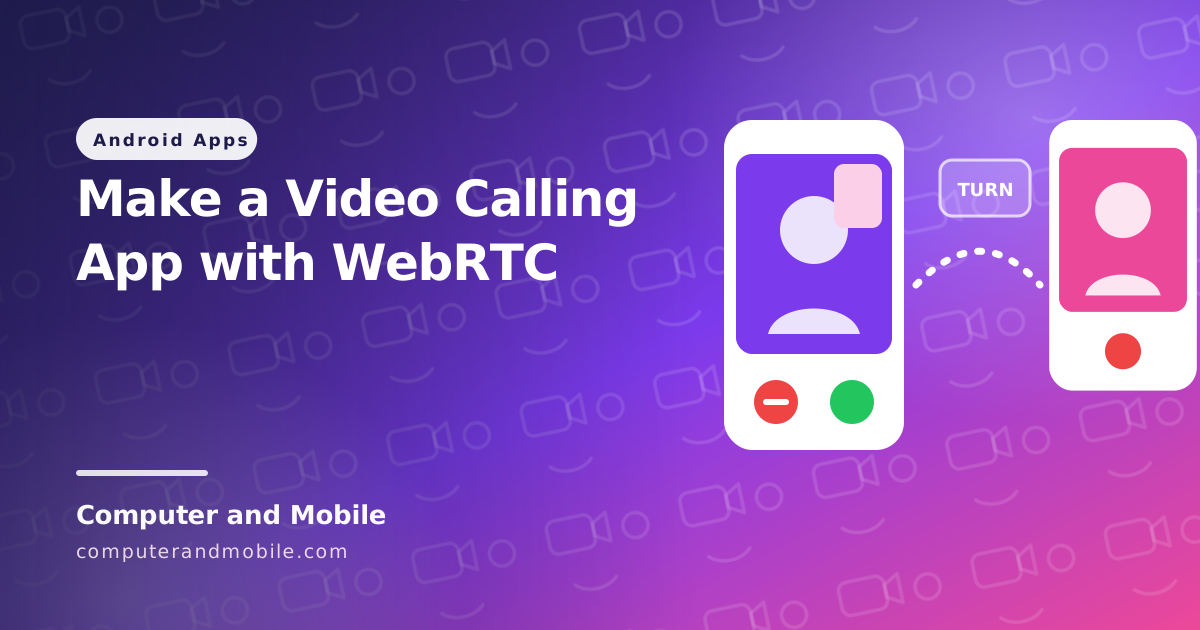
Every video calling app, from WhatsApp to Imo, rests on the same technology: WebRTC. It is built into every modern browser and is available for Android, and it sends video directly between two devices whenever it can. What makes a call app hard is not the video itself; it is getting two phones on different networks to find each other.
This guide starts with a working video call in one HTML page that you can test today on two devices. Then it explains how a call really connects, why calls fail on mobile data, how to turn it into an Android app, and what a real video calling app needs.
Try it: a video call in one page
- Save the code below as
index.htmland upload it to any website with HTTPS. Browsers only allow the camera on HTTPS pages (and onlocalhostwhile you test). - Open the page on two devices, for example your computer and your phone. Allow the camera and microphone.
- Each page shows Your ID. Copy the ID from one device, paste it on the other as “Friend's ID”, and press Call.
<!DOCTYPE html>
<html lang="en">
<head>
<meta charset="UTF-8">
<meta name="viewport" content="width=device-width, initial-scale=1">
<title>Video Call</title>
<style>
  body { margin: 0; font-family: system-ui, sans-serif; background: #0f172a; color: #e2e8f0; }
  main { max-width: 900px; margin: 0 auto; padding: 20px; }
  input { font: inherit; padding: 10px; border-radius: 8px; border: 0; width: 260px; max-width: 100%; }
  button { font: inherit; font-weight: 700; padding: 10px 18px; border: 0; border-radius: 8px;
           background: #22c55e; color: #052e16; cursor: pointer; margin: 4px 4px 4px 0; }
  #hangup { background: #ef4444; color: #fff; }
  .videos { display: grid; grid-template-columns: 1fr 1fr; gap: 12px; margin-top: 16px; }
  video { width: 100%; background: #020617; border-radius: 12px; aspect-ratio: 4 / 3; object-fit: cover; }
  @media (max-width: 600px) { .videos { grid-template-columns: 1fr; } }
</style>
<script src="https://unpkg.com/peerjs@1.5.4/dist/peerjs.min.js"></script>
</head>
<body>
<main>
  <h1>Video call</h1>
  <p>Your ID: <b id="myId">connecting ...</b> <button id="copy">Copy</button></p>
  <p>Send your ID to a friend, or paste theirs and press Call.</p>
  <input id="friendId" placeholder="Friend's ID">
  <button id="call">Call</button>
  <button id="hangup">Hang up</button>
  <p id="status"></p>
  <div class="videos">
    <video id="local" autoplay muted playsinline></video>
    <video id="remote" autoplay playsinline></video>
  </div>
</main>

<script>
const peer = new Peer();   // gets an ID from the free PeerJS server, which passes the call setup
let localStream = null;
let currentCall = null;

function status(text) { document.getElementById('status').textContent = text; }

// Ask for the camera and microphone once, and show your own video
async function camera() {
  if (!localStream) {
    localStream = await navigator.mediaDevices.getUserMedia({ video: true, audio: true });
    document.getElementById('local').srcObject = localStream;
  }
  return localStream;
}

// Show the other person's video when it arrives
function follow(call) {
  currentCall = call;
  call.on('stream', stream => {
    document.getElementById('remote').srcObject = stream;
    status('Connected');
  });
  call.on('close', () => {
    document.getElementById('remote').srcObject = null;
    status('Call ended');
  });
}

peer.on('open', id => { document.getElementById('myId').textContent = id; });
peer.on('error', err => status('Error: ' + err.type));

// Someone is calling you: answer with your camera
peer.on('call', async call => {
  call.answer(await camera());
  follow(call);
});

// You call someone
document.getElementById('call').onclick = async () => {
  const id = document.getElementById('friendId').value.trim();
  if (!id) return status("Paste your friend's ID first");
  status('Calling ...');
  follow(peer.call(id, await camera()));
};

document.getElementById('hangup').onclick = () => { if (currentCall) currentCall.close(); };
document.getElementById('copy').onclick = () =>
  navigator.clipboard.writeText(document.getElementById('myId').textContent);
</script>
</body>
</html>| Part | What it does |
|---|---|
new Peer() | Connects to the free PeerJS server, which gives the page an ID and passes the call setup between the two devices |
getUserMedia | Asks for the camera and microphone and shows your own video (muted, so you do not hear yourself) |
peer.call(id, stream) | Calls the other ID and sends your video |
peer.on('call') and answer() | Answers an incoming call with your video. A real app shows a ringing screen first. |
call.on('stream') | The other person's video arrives and is shown |
playsinline | Plays the video inside the page on phones instead of full screen |
The free PeerJS server is meant for testing. For a real app you run your own signalling server, as explained below.
How a WebRTC call really connects
| Piece | Its job |
|---|---|
| Media | The camera and microphone, compressed and encrypted by WebRTC itself |
| Signalling server | Passes the call setup (who is calling, the video formats, the network addresses) between the two devices. WebRTC does not include one; you choose it: PeerJS, your own WebSocket server, or an XMPP server such as ejabberd. |
| STUN server | Tells each device its public address, so they can try to connect directly |
| TURN server | Relays the video when a direct connection is impossible |
Once the setup is done, the video goes straight from one device to the other when the networks allow it, so the server only carries a few kilobytes per call.
Why calls fail on mobile data
Calls between two devices on the same Wi-Fi almost always work. The real test is one phone on Wi-Fi and the other on mobile data. Mobile networks put many phones behind one public address, and a direct connection often fails there. Then the call needs a TURN server, which relays the video between the two phones.
Without your own TURN server, a video app “works in testing” and fails for a large share of real users. The usual choice is coturn on a small VPS; our guide on installing ejabberd and a TURN server on Ubuntu sets it up step by step. TURN carries the whole video when it relays, so its bandwidth is the main running cost of a call app.
Turning it into an Android app
- The quick way: a WebView. Load the page in a WebView, add the
CAMERA,RECORD_AUDIOandMODIFY_AUDIO_SETTINGSpermissions, ask for them at runtime, and grant the page's request in the WebView'sonPermissionRequest. Good for a test; it cannot ring when the app is closed. - The real way: native WebRTC. Use the WebRTC library for Android with your own signalling. That gives proper call screens, audio routing to the speaker or a Bluetooth headset, and calls that keep running in the background.
What a real video calling app needs
- Accounts and contacts, instead of copying IDs
- Your own signalling server and your own TURN server
- Ringing: a high-priority push notification wakes the phone and shows an incoming call screen with Accept and Decline
- A foreground service during the call (with the phone call, camera and microphone service types on Android 14 and newer), so the call survives the screen turning off
- Audio routing between earpiece, speaker and Bluetooth, and a reconnect when the network changes
- Chat, call history, and for public apps report and block
Common problems
| Problem | Cause and fix |
|---|---|
| The camera does not start | The page is on http://. Browsers only allow the camera on HTTPS (or localhost). |
| Connected, but the other video is black | The video element lacks autoplay and playsinline, or the browser blocked autoplay. Tap the video or add both attributes. |
| Works on Wi-Fi, fails on mobile data | No TURN server for the relay. Set up coturn and add it to the ICE servers. |
Error: peer-unavailable | The ID is wrong, or the other page was closed and got a new ID |
| Echo or feedback | Both devices are in the same room. Use headphones; WebRTC's echo cancellation is on by default. |
The full version: ready video call app source codes
Our chat app source codes are complete video calling apps for Android, built on WebRTC with XMPP signalling on ejabberd 24.12 and a TURN server, and each comes with a ready server folder and a step-by-step server guide:
- Live video chat app (Java): one-to-one and group chat, voice and video calls, five built-in games and an online users list
- Video dating app (Kotlin, Jetpack Compose): profiles, chat and video calls
- Video call chat app (Java): chat, calls and three games