Cheap VPS Hosting: What You Really Get for $1 to $10 a Month
The cheapest VPS plans that are worth it, in the USA, Europe and Asia: what $1, $5 and $10 a month really buy, Linux vs Windows VPS prices, the catches (traffic, overselling, IPv6-only), what people on Reddit and LowEndTalk recommend, and a tested script that shows what you actually got.
A VPS used to cost $20 a month. Today a useful one costs $4 to $6, and yearly deals go as low as about a dollar a month. But “cheap” hides big differences: some plans give 20 TB of traffic and fast disks, others oversell the hardware so badly that a $3 server is slower than a free one. This guide shows what each price really buys, where to buy in the USA, Europe and Asia, Linux versus Windows, and a tested script that shows what you actually got.
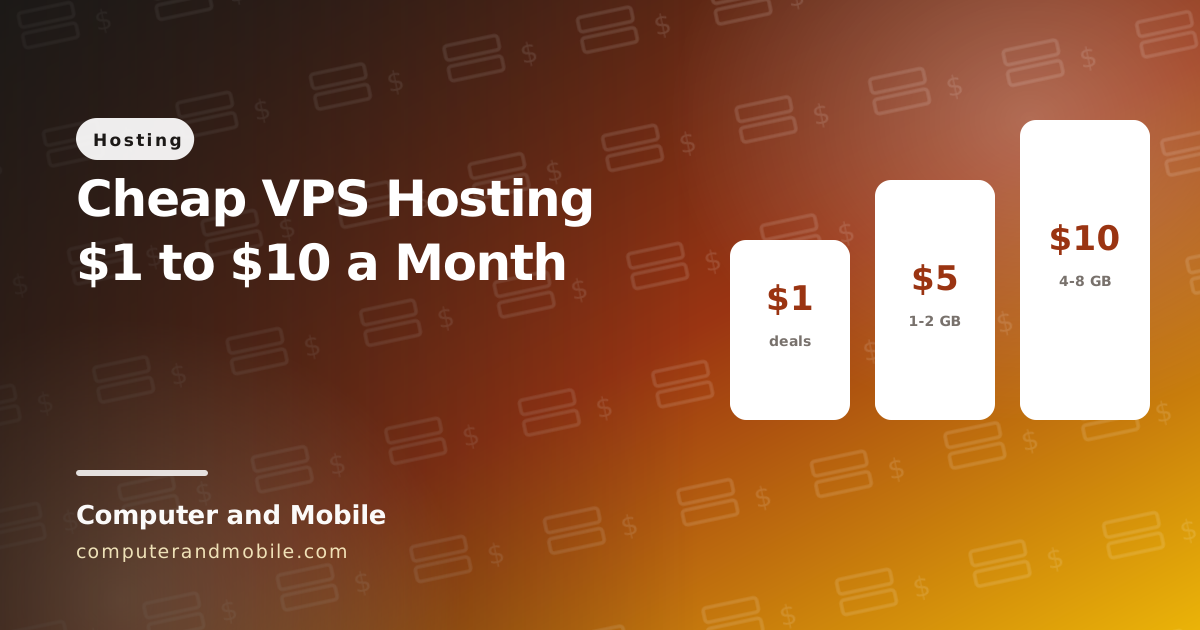
What $1, $5 and $10 a month buy
| Price | What you usually get | Good for |
|---|---|---|
| $0 | Oracle Cloud's free tier: an Arm server with up to 2 cores and 12 GB of memory, 10 TB of traffic, if you can get capacity | Learning, a personal VPN, small apps |
| About $1 a month | Yearly deals ($10 to $20 a year) with 1 core and 512 MB to 1 GB, often limited stock; or IPv6-only and NAT plans | A small VPN, a test server, a tiny site |
| $4 to $6 | 1 to 2 cores, 1 to 4 GB, 20 to 40 GB SSD, 0.5 to 20 TB of traffic from a major provider | Websites, n8n, a VPN, a chat server for a small app |
| $10 | 2 to 4 cores and 4 to 8 GB at most providers | Several sites, a control panel, a busy app server |
Best cheap VPS providers
There are no affiliate links on this page and nobody paid to be listed. Prices as listed in October 2026; check the provider's own page before you buy.
| Provider | Cheapest useful plan | Locations | Good to know |
|---|---|---|---|
| Hetzner | About €4 to €6 for 2 cores and 4 GB | Germany, Finland, USA, Singapore | 20 TB of traffic in Europe (about 1 TB in the US); strict about abuse |
| DigitalOcean | $4 for 512 MB, $6 for 1 GB | USA, Europe, Asia | Simple, well documented, many regions |
| Vultr | $5 for 1 GB with 1 TB of traffic | USA, Europe, Asia and more | The cheapest plans are IPv6-only or limited to some regions |
| Akamai (Linode) | $5 for 1 GB with 1 TB of traffic | USA, Europe, Asia | Reliable network, clear pricing |
| Contabo | About $7 for 4 cores and 8 GB | Europe, USA, Asia | A lot of memory for the money, but slower CPU and disks in many tests |
| RackNerd and other budget hosts | Yearly deals around $10 to $12 a year | Mostly USA | Found on LowEndBox and LowEndTalk; quality and support vary |
| Oracle Cloud | Free tier | Your chosen home region | Often out of capacity; see our Oracle free tier guide |
Cheap VPS in the USA, Europe and Asia
- USA: DigitalOcean, Vultr, Akamai and RackNerd all have several US cities. Pick the coast nearest your visitors; US plans usually include less traffic than European ones.
- Europe: the best value is here. Hetzner and Contabo in Germany and Finland include large traffic allowances, and OVHcloud and Netcup are popular too.
- Asia: Singapore, Tokyo and Mumbai are the usual choices, from DigitalOcean, Vultr, Akamai and Hetzner (Singapore). Asian locations often cost a little more and include less traffic.
Choose the location by where your users are, not by price alone: a server on the other side of the world adds a noticeable delay to every page and call.
Cheap Linux VPS vs Windows VPS
Almost every cheap VPS runs Linux (Ubuntu or Debian), which is free. A Windows VPS needs a Windows Server license that the provider pays Microsoft for, so even a small one usually costs $10 to $25 a month, and Windows needs more memory (2 to 4 GB) to run well. Pick Windows only when you need Windows software, such as a desktop program you run over Remote Desktop; websites, apps, VPNs and chat servers all run happily on Linux.
Is a $1 VPS worth it?
A true $1-a-month VPS is rare. What you find are yearly deals paid up front, plans with only an IPv6 address (many visitors and apps cannot reach those), NAT plans that share one IPv4 address between many customers, or first-month discounts. They are fine for a small VPN or a test server. For anything that matters, a $4 to $6 plan from a well-known provider is the real cheap option.
Try it: check what your VPS really gives you
Two plans with the same numbers on paper can perform very differently. Run this on a new VPS (Ubuntu or Debian) right after you buy it. It uses only tools every Linux server has and takes about a minute:
#!/bin/bash
# vps-check.sh: what did you really get? Run it on a new VPS:  bash vps-check.sh
# Uses only tools every Linux VPS has. Takes about a minute.

echo "== CPU"
grep -m1 'model name' /proc/cpuinfo | cut -d: -f2 | sed 's/^ *//'
echo "Cores: $(nproc)"

echo "== Memory"
awk '/MemTotal/ {printf "RAM: %.1f GB\n", $2/1048576} /SwapTotal/ {printf "Swap: %.1f GB\n", $2/1048576}' /proc/meminfo

echo "== Disk"
df -h --output=size,avail / | awk 'NR==2 {print "Disk: " $1 " total, " $2 " free"}'
# Write 512 MB and force it to disk, so the number is not just the memory cache
dd if=/dev/zero of=./vps-check.tmp bs=1M count=512 conv=fdatasync 2>&1 | tail -1
rm -f ./vps-check.tmp

echo "== Network"
echo "Public IP: $(curl -4 -fsS --max-time 10 https://api.ipify.org || echo unknown)"
# Download 25 MB from Cloudflare's speed test and print the speed
curl -s -o /dev/null --max-time 60 -w 'Download: %{speed_download} bytes/s\n' 'https://speed.cloudflare.com/__down?bytes=25000000' \
  | awk '$2 > 0 {printf "Download: %.0f Mbit/s\n", $2 * 8 / 1000000; next} {print "Download: test failed"}'
# How fast the server connects to big sites (a quick check of the network)
for host in www.google.com www.cloudflare.com; do
  curl -s -o /dev/null --max-time 10 -w "$host: %{time_connect}s to connect\n" "https://$host"
done| Line | How to read it |
|---|---|
| CPU and cores | Newer CPU models are faster per core. Compare with what the plan promised. |
| RAM and swap | Should match the plan; swap is disk used as slow extra memory |
Disk write (dd) | NVMe disks write hundreds of MB/s or more. Below about 100 MB/s, databases will feel slow. |
| Download | A good VPS downloads at hundreds of Mbit/s or more. Much lower means a crowded network. |
| Connect times | Lower is better; run it again at a busy hour to see if the network slows down |
Run it a few times over a day: an oversold server shows very different numbers at busy times. Most providers let you cancel in the first days, so test before you build on it.
What Reddit and LowEndTalk recommend
- LowEndTalk and LowEndBox list cheap deals every day, especially around Black Friday; read the comments about each provider before buying
- Hetzner comes up again and again as the best value in Europe
- Avoid long prepaid terms with a provider you do not know: pay monthly first
- Keep backups off the server: cheap providers sometimes disappear
Before you put something important on it
- Secure it on day one: SSH keys, a firewall and automatic updates, as in how to secure an Ubuntu server
- Check the traffic allowance: video calls, VPNs and file downloads use terabytes, and overage can cost more than the server
- Read the acceptable use policy if you run a VPN or anything public
- Plan to grow: a provider where you can resize in minutes saves a move later
Apps that run on a cheap VPS
Our chat, call and VPN apps run on your own server instead of paid cloud APIs, so a $5 VPS is often enough to launch:
- Video call chat app, live video chat app and video dating app: chat and calls on your own XMPP and TURN servers, with no per-minute fees (see our ejabberd and TURN guide)
- VPN app source code: WireGuard with a registration script and IP pool for your server (see the WireGuard VPS guide)