How to Rank in ChatGPT Search and Google AI Overviews (A Practical GEO Guide)
How ChatGPT and Google's AI answers choose the pages they cite, and the free steps that get yours chosen: getting into Bing, letting the right AI crawlers in, IndexNow, writing pages AI can quote, and checking your ChatGPT visibility. With tested robots.txt rules and an IndexNow script.
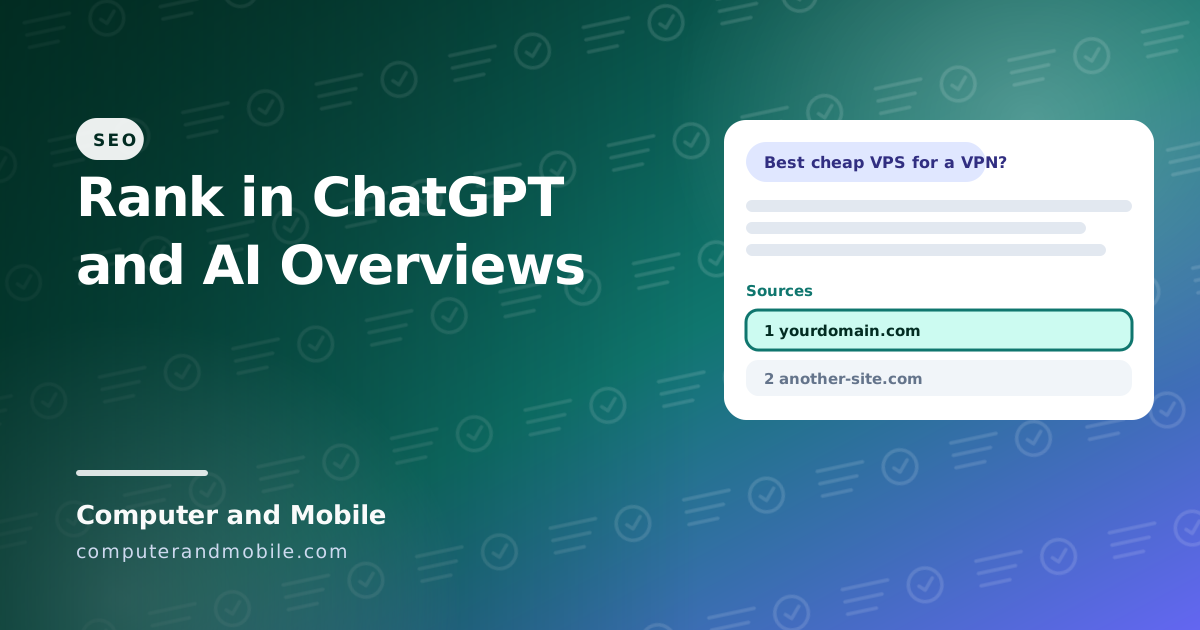
When someone asks ChatGPT, Google's AI Overviews or Perplexity a question, the answer cites a handful of web pages. Being one of them brings visitors who already trust the answer. There is no secret switch for it, and anyone who promises a “guaranteed ChatGPT ranking” is guessing. But how these systems find and pick pages is known well enough to act on, and most of the steps are free.
This guide explains where ChatGPT and Google's AI answers get their pages, then the practical steps: getting into Bing, letting the right AI crawlers in, telling search engines about new pages at once, writing pages that AI can quote, and checking whether it works.
How ChatGPT and AI Overviews choose pages
| AI answer | Where its pages come from |
|---|---|
| ChatGPT search | Mainly Bing's index, plus OpenAI's own crawler OAI-SearchBot. When it opens a page for a user it uses ChatGPT-User. |
| Google AI Overviews and AI Mode | Google's normal search index: the same pages that can rank in Google |
| Microsoft Copilot | Bing |
| Perplexity | Its own crawler (PerplexityBot) and search partners |
ChatGPT turns a question into several searches, collects candidate pages, and cites only a small share of them. So two things decide whether you are cited: being in the index it searches (for ChatGPT that mostly means Bing), and being the clearest, most trustworthy answer among the candidates.
Step 1: Get into Bing
Many sites that rank in Google are thin in Bing, and for ChatGPT that matters more than anything else on this page.
- Open Bing Webmaster Tools (free) and choose Import from Google Search Console: it adds your sites and sitemaps in a minute.
- Check that your sitemap was read, and use URL Inspection on your most important pages.
- Turn on IndexNow, so Bing hears about new and changed pages at once instead of waiting for its crawler.
Many CMS plugins send IndexNow pings for you. For any other site, this small script does it:
<?php
// indexnow.php: tell Bing (and the other IndexNow search engines) about new or changed pages at once.
// ChatGPT search finds pages through Bing, so this helps new pages show up there sooner.
// 1. Make a key: any 32 letters and numbers. 2. Save it as a file named KEY.txt (containing only the key)
//    in your site's root. 3. Put your pages below and run:  php indexnow.php

$host = 'www.yourdomain.com';
$key  = 'b3f7c2a9d4e81f6a0c5d7e9b2a4f6c81';
$urls = [
    'https://www.yourdomain.com/new-post/',
    'https://www.yourdomain.com/updated-page/',
];

$payload = json_encode([
    'host'        => $host,
    'key'         => $key,
    'keyLocation' => "https://$host/$key.txt",
    'urlList'     => $urls,
]);

$ch = curl_init('https://api.indexnow.org/indexnow');
curl_setopt_array($ch, [
    CURLOPT_POST           => true,
    CURLOPT_POSTFIELDS     => $payload,
    CURLOPT_HTTPHEADER     => ['Content-Type: application/json; charset=utf-8'],
    CURLOPT_RETURNTRANSFER => true,
    CURLOPT_TIMEOUT        => 20,
]);
curl_exec($ch);
$code = curl_getinfo($ch, CURLINFO_HTTP_CODE);
curl_close($ch);

$meaning = [
    200 => 'OK: the pages were received',
    202 => 'Accepted: the key will be checked first',
    400 => 'Bad request: check the format of the URLs',
    403 => 'Key not valid: the key file is missing or does not match',
    422 => 'The URLs do not belong to this host, or the key does not match',
    429 => 'Too many requests: wait and try again later',
];
echo $code . ' ' . ($meaning[$code] ?? 'Unexpected answer') . PHP_EOL;| Part | What it does |
|---|---|
The key and KEY.txt | Proves the site is yours: the search engine downloads the file and compares it with the key you send |
urlList | Up to 10,000 addresses per request; send only pages that are new or changed |
api.indexnow.org | One request reaches Bing and the other search engines that share IndexNow |
| The answer codes | 200 or 202 means received; 403 or 422 means the key file is missing or does not match the site |
Step 2: Let the AI search crawlers in
Some sites block every AI bot in robots.txt and then wonder why ChatGPT never cites them. Blocking training and blocking search are different things. These rules let ChatGPT search and normal search engines in, and optionally keep your pages out of AI training:
# Search engines: welcome everywhere except the admin area
User-agent: *
Disallow: /admin/

# ChatGPT search (OAI-SearchBot) and ChatGPT opening a page for a user (ChatGPT-User)
User-agent: OAI-SearchBot
User-agent: ChatGPT-User
Disallow: /admin/

# Optional: refuse AI *training* only. This does not remove you from ChatGPT search,
# Google Search or Google's AI Overviews.
User-agent: GPTBot
Disallow: /

User-agent: Google-Extended
Disallow: /

Sitemap: https://www.yourdomain.com/sitemap.xml| Crawler | What it is for | Block it? |
|---|---|---|
OAI-SearchBot | Finds pages for ChatGPT search | No, or ChatGPT cannot cite you |
ChatGPT-User | Opens a page when a user asks ChatGPT to | No |
GPTBot | Collects text to train future OpenAI models | Your choice: it does not affect ChatGPT search |
Google-Extended | Lets Google use your pages to train Gemini | Your choice: AI Overviews use normal Googlebot, not this |
The rules have no Allow: / lines on purpose: everything not disallowed is allowed anyway, and some older robots parsers read the first matching line, which would let Allow: / open the admin area.
Step 3: Write pages AI can quote
AI answers lift sentences, facts and lists from pages. Make yours easy to lift:
- Answer first. Put a direct, one- or two-sentence answer right under each question heading, then the details.
- Use the questions people ask as headings: the “People also ask” questions in Google are a good list.
- Add facts AI cannot get elsewhere: your prices, test results, numbers and dates. A 2023 research paper that named “Generative Engine Optimization” found that adding sources, quotations and statistics made content up to 40% more visible in AI answers in its tests.
- Tables and short lists for comparisons, steps and specs
- Show who wrote it and why they know: real experience, screenshots, code you tested
- Keep pages fresh, with a visible updated date when facts change
- Structured data (Article, Product, FAQ) and fast pages that work without JavaScript, so every crawler sees the full text
Is SEO dead now with AI?
No. AI answers are built on top of search indexes, so a page that cannot be found in Google or Bing cannot be cited either. What changed is the goal: fewer clicks on simple questions, more value in being the source that gets named, and in pages that answer better than the summary can.
How to rank on AI results in Google
Google says there are no special requirements for AI Overviews or AI Mode: a page must be indexed and eligible to show a snippet in normal search. So the work is normal SEO done well: helpful pages, clear answers, structured data, good page experience. A nosnippet tag keeps a page out of AI Overviews, so do not add it to pages you want cited.
Generative Engine Optimization (GEO), in one paragraph
GEO is the name for optimizing content to be cited in AI-generated answers, as SEO is for search results. In practice it is SEO plus three habits: be in every index AI tools use (Bing as well as Google), write in quotable answer-first blocks with facts, and earn mentions on other trusted sites, because AI answers prefer sources that others also cite.
How to check your ChatGPT visibility
- Ask it. Make a list of 20 questions your customers ask, ask ChatGPT, Perplexity and Google every month, and note who gets cited.
- Look at your analytics. Visits from
chatgpt.com,perplexity.aiandcopilot.microsoft.comshow up as referrals; ChatGPT also addsutm_source=chatgpt.comto many links. - Check Bing Webmaster Tools for which of your pages are indexed and how they perform.
- Paid AI visibility tools track mentions across AI answers for you, and services such as RankPilot sell articles and links aimed at AI citations. They can save time, but none of them controls what ChatGPT cites.
How to rank in ChatGPT for free: the checklist
- Verify your site in Bing Webmaster Tools and submit the sitemap
- Turn on IndexNow
- Allow
OAI-SearchBot,ChatGPT-Userand normal search engines in robots.txt - Rewrite your key pages answer-first, with the questions people ask as headings
- Add your own facts, numbers and tested examples
- Add structured data and an FAQ section with real questions
- Check monthly by asking the questions yourself
What people on Reddit say about ranking in ChatGPT
- Most found that being strong in Bing was the missing piece
- Mentions on Reddit, forums and review sites show up in AI answers a lot, so being discussed helps
- Be wary of “GEO hacks” and hidden prompts in pages: they are spam, and AI companies filter them
Doing it across a whole site
A single article is easy to tune. A site with hundreds of articles needs it built in: every article with an answer-first summary, FAQs and structured data generated from the same content, a sitemap and IndexNow pings sent automatically on publish, and a monthly report of which questions you are cited for. That is a publishing system, not a one-off fix.
A blog built for search and AI answers
Our PHP blog script with admin panel builds this in. Every article has a summary, a table of contents from its headings, and an FAQ section that is shown on the page and sent as FAQ structured data. The script also creates Article and breadcrumb structured data, canonical links, a sitemap and llms.txt automatically, ships a robots.txt that lets search engines and AI search crawlers in, and serves fast pages built on the server, so every crawler sees the full text. It is the same system this blog runs on.