FAQ Schema: What It Is, Is It Still Worth It, and a Free Generator
Google stopped showing FAQ rich results in May 2026, but FAQ schema is not dead. What FAQ schema is, what changed, why it still matters for AI answers, how to structure an FAQ page, an example, and a tested generator and PHP code to make the markup.
FAQ schema is a small piece of code that tells search engines and AI tools: “these are the questions on this page, and these are their answers.” For years it also gave pages the expandable question boxes under their result in Google. That part is over: Google stopped showing FAQ rich results in May 2026. The markup itself is still valid and still read.
This guide explains what FAQ schema is, exactly what Google changed, why it is still worth adding, how to structure an FAQ page, and gives you an example, a tested generator and PHP code to make it.
What is FAQ schema?
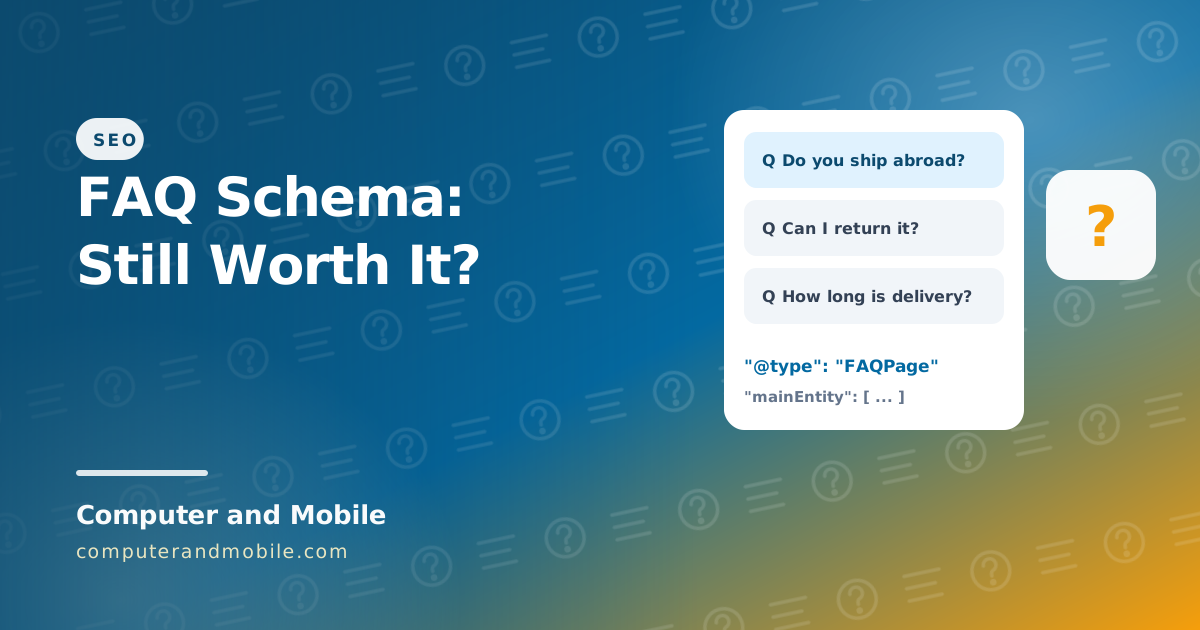
It is structured data of the type FAQPage from schema.org, usually written in JSON-LD inside a <script> tag. It lists each question with its accepted answer. The questions and answers must also be visible on the page as normal text; the schema only describes them for machines. A complete example:
<script type="application/ld+json">
{
  "@context": "https://schema.org",
  "@type": "FAQPage",
  "mainEntity": [
    {
      "@type": "Question",
      "name": "Do you ship abroad?",
      "acceptedAnswer": {
        "@type": "Answer",
        "text": "Yes, to most countries. Delivery takes 5 to 10 working days."
      }
    },
    {
      "@type": "Question",
      "name": "Can I return an item?",
      "acceptedAnswer": {
        "@type": "Answer",
        "text": "Yes, within 30 days if it is unused."
      }
    }
  ]
}
</script>
Is Google removing FAQ schema?
Google removed the rich result, not the schema. The timeline:
| When | What changed |
|---|---|
| August 2023 | FAQ rich results limited to well-known government and health websites |
| May 7, 2026 | Google's documentation: FAQ rich results no longer appear in Google Search |
| June 2026 | The FAQ report in Search Console and FAQ support in the Rich Results Test removed |
| August 2026 | FAQ data removed from the Search Console API |
FAQPage is still a valid schema.org type, Google says structured data it does not use causes no problems, and there is no penalty for keeping it. You do not need to remove it from your pages.
Is FAQ schema still relevant?
Yes, but for different reasons than before:
- AI answers love question-and-answer content. ChatGPT, Perplexity and Google's AI Overviews quote short, direct answers, and an FAQ section is exactly that. The schema makes the structure explicit.
- Search engines still read it to understand what a page covers.
- It costs almost nothing when your CMS makes it from the FAQ section you write anyway.
What no longer works is adding FAQ schema just to get bigger search results. The value now is in the visible FAQ content: real questions, answered well. See our guide on ranking in ChatGPT and AI Overviews for how AI answers pick their sources.
How to structure an FAQ page
- Use real questions: the ones customers email you, and the “People also ask” questions in Google for your topic
- Answer in the first sentence, then add one or two sentences of detail. Link to a full guide for anything longer.
- One question per heading (H2 or H3), grouped by topic on longer pages: orders, shipping, returns
- Make the schema match the page word for word: never mark up answers that visitors cannot see
- No adverts in answers, and one FAQPage block per page
- Questions written by visitors (forums, product Q&A) use
QAPage, notFAQPage
Try it: a free FAQ schema generator
Save this as index.html and open it in your browser. Type your questions and answers, click Make the code, and paste the result into your page:
<!DOCTYPE html>
<html lang="en">
<head>
<meta charset="UTF-8">
<meta name="viewport" content="width=device-width, initial-scale=1">
<title>FAQ Schema Generator</title>
<style>
  body { font-family: system-ui, sans-serif; max-width: 760px; margin: 30px auto; padding: 0 16px; }
  .qa { border: 1px solid #ddd; border-radius: 10px; padding: 12px; margin-top: 12px; }
  input, textarea { width: 100%; box-sizing: border-box; padding: 9px; margin-top: 6px; font: inherit; }
  button { margin-top: 12px; padding: 10px 18px; font: inherit; font-weight: 700; }
  pre { background: #f4f4f5; padding: 14px; border-radius: 10px; white-space: pre-wrap; word-break: break-word; }
</style>
</head>
<body>
<h1>FAQ Schema Generator</h1>
<div id="list"></div>
<button id="add">+ Add a question</button>
<button id="make">Make the code</button>
<p id="msg"></p>
<pre id="out"></pre>

<script>
const list = document.getElementById('list');

function addRow(q = '', a = '') {
  const row = document.createElement('div');
  row.className = 'qa';
  row.innerHTML = '<input class="q" placeholder="Question"><textarea class="a" rows="3" placeholder="Answer"></textarea>';
  row.querySelector('.q').value = q;
  row.querySelector('.a').value = a;
  list.appendChild(row);
}

document.getElementById('add').onclick = () => addRow();

document.getElementById('make').onclick = () => {
  const items = [...list.querySelectorAll('.qa')]
    .map(row => ({ q: row.querySelector('.q').value.trim(), a: row.querySelector('.a').value.trim() }))
    .filter(item => item.q && item.a);

  if (!items.length) {
    document.getElementById('msg').textContent = 'Fill in at least one question and its answer.';
    document.getElementById('out').textContent = '';
    return;
  }

  const schema = {
    '@context': 'https://schema.org',
    '@type': 'FAQPage',
    mainEntity: items.map(item => ({
      '@type': 'Question',
      name: item.q,
      acceptedAnswer: { '@type': 'Answer', text: item.a }
    }))
  };

  // "<" is written as <, so an answer can never close the <script> tag early
  const json = JSON.stringify(schema, null, 2).replace(/</g, '\\u003c');
  document.getElementById('msg').textContent = items.length + ' questions. Paste this into the page, before </body>:';
  document.getElementById('out').textContent = '<script type="application/ld+json">\n' + json + '\n</scr' + 'ipt>';
};

addRow('Do you ship abroad?', 'Yes, to most countries. Delivery takes 5 to 10 working days.');
addRow('Can I return an item?', 'Yes, within 30 days if it is unused.');
</script>
</body>
</html>| Part | What it does |
|---|---|
addRow() | Adds a question and answer box; two examples are filled in to start |
The filter | Skips rows where the question or the answer is empty |
JSON.stringify | Builds valid JSON, so quotes and line breaks in your text never break the code |
replace(/</g, '\\u003c') | Writes every < as \u003c, so an answer containing </script> cannot end the script tag early. The text stays the same when it is read. |
FAQ schema code in PHP
If your site is built in PHP, make the schema from the same data that prints the visible FAQ section, so the two always match:
<?php
// FAQ schema from your own data: call faq_schema($faqs) where the page prints its FAQ section.
function faq_schema(array $faqs) {
    $items = [];
    foreach ($faqs as $faq) {
        $items[] = [
            '@type' => 'Question',
            'name' => $faq['q'],
            'acceptedAnswer' => ['@type' => 'Answer', 'text' => $faq['a']],
        ];
    }
    $json = json_encode(
        ['@context' => 'https://schema.org', '@type' => 'FAQPage', 'mainEntity' => $items],
        JSON_UNESCAPED_SLASHES | JSON_UNESCAPED_UNICODE | JSON_HEX_TAG | JSON_HEX_AMP   // JSON_HEX_TAG: no "</script>" inside
    );
    return '<script type="application/ld+json">' . $json . '</script>';
}

// Example: the same questions are also shown on the page as normal text
$faqs = [
    ['q' => 'Do you ship abroad?', 'a' => 'Yes, to most countries. Delivery takes 5 to 10 working days.'],
    ['q' => 'Can I return an item?', 'a' => 'Yes, within 30 days if it is unused.'],
];
echo faq_schema($faqs);
JSON_HEX_TAG and JSON_HEX_AMP do in PHP what the \u003c trick does in the generator: no answer can break out of the script tag.
How to check FAQ schema
- Schema Markup Validator (validator.schema.org) still checks
FAQPagemarkup: paste your page address or code. - Google's Rich Results Test no longer reports FAQ markup since June 2026, so an empty result there does not mean your code is wrong.
- View the page source and search for
FAQPageto make sure your CMS or plugin really prints it.
FAQ schema tools and plugins
Most WordPress SEO plugins add an FAQ block that writes the schema for you, and many online FAQ schema generators exist. Whichever you use, check that the questions are visible on the page and that the plugin does not add the same FAQPage twice.
FAQs on hundreds of pages
On a site with many articles, FAQ schema works best when it is part of the publishing system: the FAQ section is stored with each article, printed on the page and turned into JSON-LD automatically, and an edit to an answer updates both at once. Copying generated code by hand into every page does not survive the first round of edits.
A blog with FAQs built in
Our PHP blog script with admin panel works exactly this way, like the blog you are reading: every article has its own FAQ section in the editor, shown on the page and sent as FAQPage structured data automatically, together with Article and breadcrumb data, a sitemap and llms.txt.