How To Add AdMob Banner and Interstitial Ads to an Android App
Add AdMob ads without getting your account banned. Test IDs, banner and interstitial code, the placement rules Google enforces, and what apps really earn.
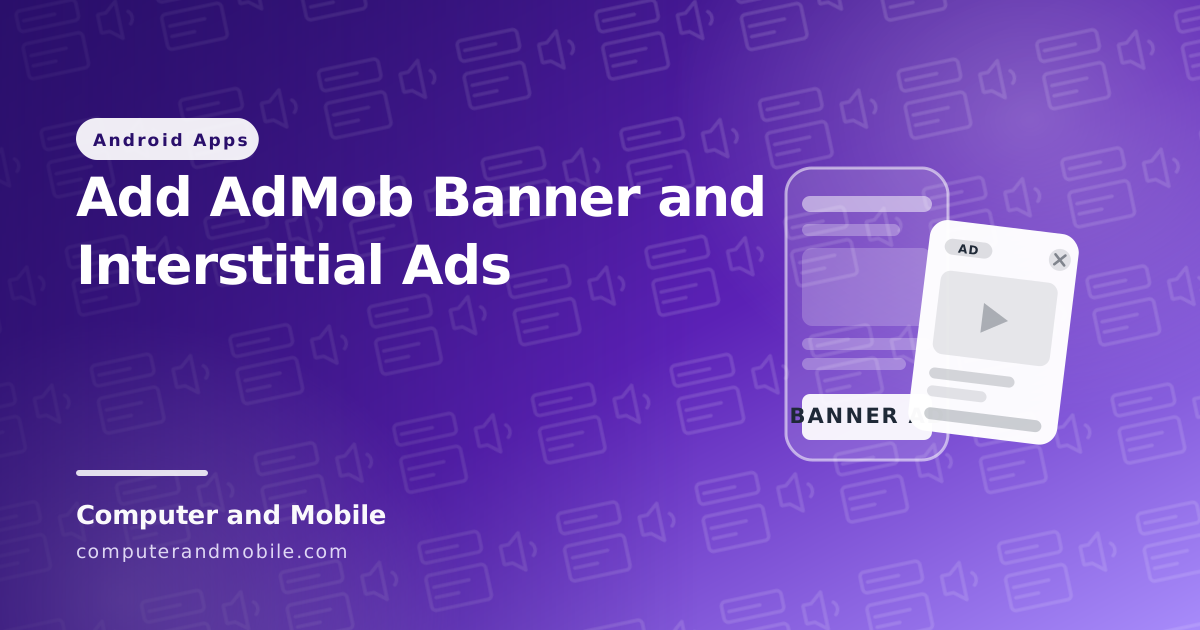
AdMob is how most free Android apps make money. Adding it is straightforward — the SDK is a few lines and the code below works as it is.
What is not straightforward is staying inside Google's rules. An AdMob ban is permanent and there is rarely a way back, so the rules matter more than the code. Both are covered here.
Read this before you write any code
One rule, and breaking it is the most common way new developers lose their account:
Never click your own ads. Never use real ad unit IDs while testing.
Google detects invalid traffic automatically. It does not need a person to report you, and there is no appeal that usually works. Use the test IDs in this guide during development and only swap in your real IDs at release.
Google's official test IDs, safe to click as much as you like:
| Ad type | Test ID |
|---|---|
| App ID | ca-app-pub-3940256099942544~3347511713 |
| Banner | ca-app-pub-3940256099942544/6300978111 |
| Interstitial | ca-app-pub-3940256099942544/1033173712 |
| Rewarded | ca-app-pub-3940256099942544/5224354917 |
Step 1: Create the AdMob account
- Sign up at admob.google.com with a Google account
- Apps → Add App. If the app is not published yet, choose "No, it is not listed"
- Note the App ID, which looks like
ca-app-pub-XXXX~YYYYwith a tilde - Ad units → Add ad unit for each format you want. These use a slash:
ca-app-pub-XXXX/YYYY
Tilde for the App ID, slash for ad units. Mixing them up causes an initialisation crash that is hard to diagnose.
Step 2: Add the SDK
In build.gradle (Module: app):
dependencies {
    implementation 'com.google.android.gms:play-services-ads:23.6.0'
}
Then Sync Now. Check the current version on the AdMob site — an old SDK eventually stops serving ads.
Manifest
In AndroidManifest.xml, inside <application>:
<meta-data
    android:name="com.google.android.gms.ads.APPLICATION_ID"
    android:value="ca-app-pub-3940256099942544~3347511713" />
And above <application>:
<uses-permission android:name="android.permission.INTERNET" />
<uses-permission android:name="android.permission.ACCESS_NETWORK_STATE" />
A missing App ID in the manifest crashes the app immediately on launch. If your app dies the moment you add AdMob, check this first.
Step 3: Initialise the SDK
Once, in your launcher activity:
import com.google.android.gms.ads.MobileAds;

@Override
protected void onCreate(Bundle savedInstanceState) {
    super.onCreate(savedInstanceState);
    setContentView(R.layout.activity_main);

    MobileAds.initialize(this, initializationStatus -> {});
}
Step 4: Add a banner
In your layout, at the bottom:
<com.google.android.gms.ads.AdView
    xmlns:ads="http://schemas.android.com/apk/res-auto"
    android:id="@+id/adView"
    android:layout_width="wrap_content"
    android:layout_height="wrap_content"
    android:layout_alignParentBottom="true"
    android:layout_centerHorizontal="true"
    ads:adSize="BANNER"
    ads:adUnitId="ca-app-pub-3940256099942544/6300978111" />
Then load it:
import com.google.android.gms.ads.AdRequest;
import com.google.android.gms.ads.AdView;

AdView adView = findViewById(R.id.adView);
AdRequest adRequest = new AdRequest.Builder().build();
adView.loadAd(adRequest);
That is the whole banner. Run it and a test advert appears at the bottom.
Where to put a banner
At the bottom, always. A banner at the top pushes your content down and gets tapped by accident, which counts as invalid traffic. A banner in the middle of a list is against the policy outright.
Step 5: Add an interstitial
Interstitials are the full-screen ads. They pay far more than banners and annoy people far more, so timing is everything.
import com.google.android.gms.ads.interstitial.InterstitialAd;
import com.google.android.gms.ads.interstitial.InterstitialAdLoadCallback;
import com.google.android.gms.ads.LoadAdError;
import androidx.annotation.NonNull;

private InterstitialAd interstitialAd;

private void loadInterstitial() {
    AdRequest request = new AdRequest.Builder().build();
    InterstitialAd.load(this,
        "ca-app-pub-3940256099942544/1033173712",
        request,
        new InterstitialAdLoadCallback() {
            @Override
            public void onAdLoaded(@NonNull InterstitialAd ad) {
                interstitialAd = ad;
            }
            @Override
            public void onAdFailedToLoad(@NonNull LoadAdError error) {
                interstitialAd = null;
            }
        });
}
Show it:
private void showInterstitial() {
    if (interstitialAd != null) {
        interstitialAd.show(this);
        interstitialAd = null;
        loadInterstitial();   // load the next one straight away
    }
}
Load it early, show it later. An interstitial takes a few seconds to fetch. Call loadInterstitial() in onCreate() so it is ready when the moment comes. Calling load and show together means it usually is not ready and nothing appears.
When to show one
Only at a natural break:
- Between levels in a game
- After finishing a task, not before starting one
- When moving between major sections
Never on app launch, never while something is loading, and never more than once every couple of minutes. Google's policy is explicit about interstitials that interrupt rather than punctuate.
Step 6: Test on a real device
Test ads appear with a "Test Ad" label. If you see that, everything is wired correctly.
Register your own device as a test device so that even real ad units serve test content on it:
import com.google.android.gms.ads.RequestConfiguration;
import java.util.Arrays;

RequestConfiguration conf = new RequestConfiguration.Builder()
        .setTestDeviceIds(Arrays.asList("YOUR_DEVICE_ID"))
        .build();
MobileAds.setRequestConfiguration(conf);
Your device ID is printed in Logcat the first time an ad loads. Search for "Use RequestConfiguration".
The rules that get apps banned
These are the ones people actually break:
- Clicking your own ads. Even once. Even accidentally. Use test IDs.
- Asking anyone to click. No "support us by tapping the ad". Instant ban.
- Ads near buttons. If an advert sits where a user expects a button, accidental taps follow and Google treats them as invalid.
- Too many ads on one screen. One banner and one interstitial is the safe limit.
- Ads over content. Nothing important may sit behind an advert.
- Ads in the wrong app. No adult content, no copyright infringement, no apps that just wrap a website with ads on top.
What you will actually earn
Honest numbers, because the guides promising thousands a month are not.
| Measure | Typical range |
|---|---|
| Banner eCPM | $0.20 – $1.50 |
| Interstitial eCPM | $2 – $12 |
| Rewarded video eCPM | $8 – $25 |
eCPM is the earning per thousand ad views. Two things drive it hard:
- Where your users are. Traffic from the US, UK and Gulf countries pays many times more than traffic from South Asia. The same app can earn ten times more depending purely on audience.
- How engaged they are. An app opened daily earns far more than one opened once.
A realistic picture: an app with 1,000 daily active users in a low-eCPM region earns roughly $1 to $5 a day from banners, more with well-placed interstitials. Payout starts at $100, so your first payment may take months.
Common problems
The app crashes as soon as I add AdMob
The App ID meta-data is missing from the manifest, or it is an ad unit ID instead of an App ID. The App ID has a tilde; ad units have a slash.
Ads never appear
Check Logcat for the error code. ERROR_CODE_NO_FILL means no advert was available, which is normal for brand-new accounts and in small markets. ERROR_CODE_NETWORK_ERROR means the internet permission is missing.
Test ads work, real ads do not
Completely normal for the first few days. New ad units take time to start serving, sometimes up to 48 hours. Do not keep changing things — wait.
"Ad failed to load: 3"
Error 3 is no fill. Not a bug. Your app is new, your region has low demand, or there is simply nothing to show at that moment. Always keep your layout working when no advert loads.
The interstitial does not show
It was not loaded in time. Load it in onCreate(), not at the moment you want to show it.
My account was disabled
Almost always invalid clicks — your own taps, or asking users to click. There is an appeal form, but reinstatement is uncommon. This is why test IDs matter so much.
A fair alternative
Ads are not the only option, and for a small app they are often the worst one. A one-time paid app, or a small in-app purchase to remove ads, earns more per user and keeps people happier.
The usual pattern that works: give the app away free with modest ads, and offer a cheap "remove ads" purchase. The people who dislike ads pay you; the rest still count.
Where to go next
- Make a flashlight app — a small app to try this on
- Turn a website into an Android app
- Build a chat app